Contextual AI System
Led the shift from prompt-first AI to contextual assistance—embedding proactive insights and actions in Meetings and Contacts while scaling reusable AI patterns across three experiences.
Role
Staff Product Designer, AI
Team
5 engineers + 1 PM; partnered with Design Systems, Meetings, and Contacts
Opportunity
AI required too much initiation.
AI Chat research showed that many high-value needs were predictable from the context users were already in. Requiring users to open Chat and formulate a prompt turned obvious next steps into unnecessary work.

Strategy
Put intelligence where the context already exists
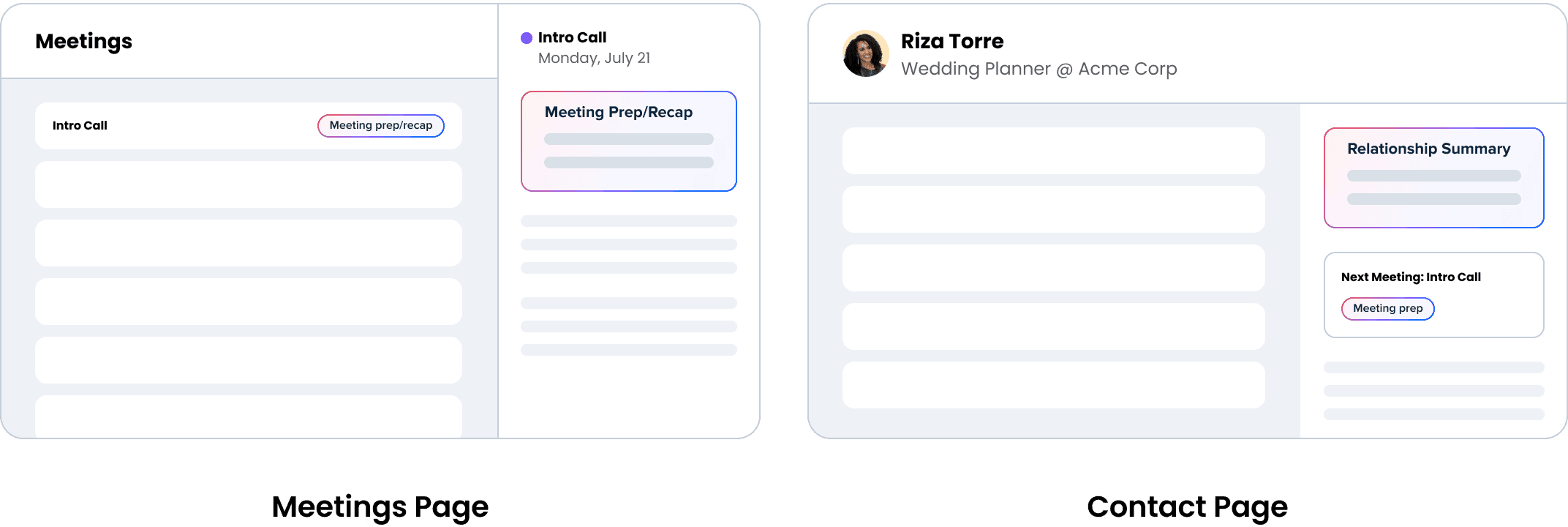
I mapped the highest-value AI needs to Meetings and Contacts, where Calendly already had enough context to anticipate them. The interaction model was simple: surface what matters proactively, then give users a clear path to explore deeper or act.
AI Design System
A shared interaction language for AI across the product
As AI expanded across Calendly, teams began creating different visual treatments and interaction patterns. I partnered with Design Systems to extend existing components with a reusable AI state and add unique AI components, creating a recognizable system that could scale across teams and experiences.

1)
Give AI a recognizable visual signal
I evolved Calendly’s existing blue-purple AI palette with coral, creating a distinct signal for AI-generated content and actions while keeping the experience native to Calendly.
2)
Extend existing components instead of creating a parallel system
Rather than introducing separate AI components, I worked with Design Systems to add a standardized AI state to patterns users already understood. This made AI recognizable without changing the underlying structure and behavior of the product.


3)
Apply the same language across every AI touchpoint
I applied the system across banners, buttons, prompts, suggestion cards, and Notetaker controls so teams could build new AI experiences from the same set of reusable patterns.
Contextual AI Patterns
Every insight needed a clear path to action
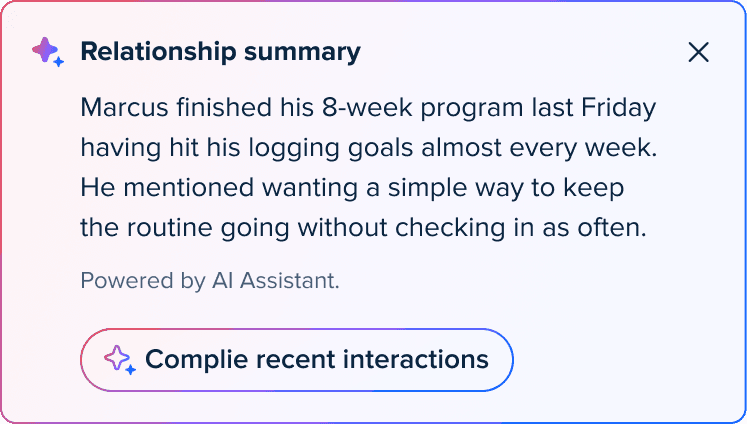
The experience followed a consistent interaction model: surface relevant context proactively, let users explore when they need more detail, and provide a direct path to the next action.
Upcoming Meeting

Past Meeting

Contact Detail
Impact
One system scaled across four AI experiences
The resulting visual and interaction system was adopted across four AI experiences. In Meetings and Contacts, the contextual model reduced target workflows from four navigation steps to one contextual action.
1
Reusable AI system
Standardized visual states, components, and interaction patterns across Calendly.
3
AI experiences powered by the system
Scaled a consistent visual and interaction language across all internal AI experiences.
75%
Fewer navigation steps
Reduced target workflows from 4 navigation steps to 1 contextual action.