
Calendly: Contextual AI System
Scaling the AI Platform into proactive insights and actions across core workflows, reducing manual navigation by 75%
Staff Product Designer (AI Team)
Role
AI Team (5 engineers, 1 PM, myself). Collaborated with Design Systems, Meetings, and Contacts Teams
Team

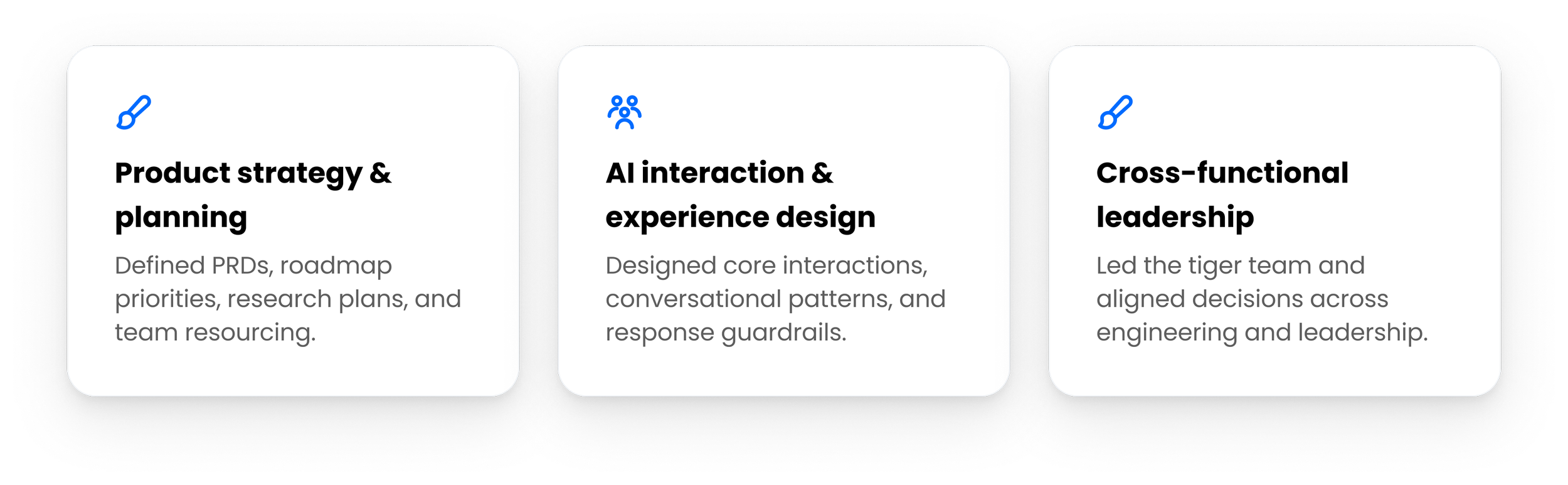
MY ROLE
Designed…
CORE PROBLEM
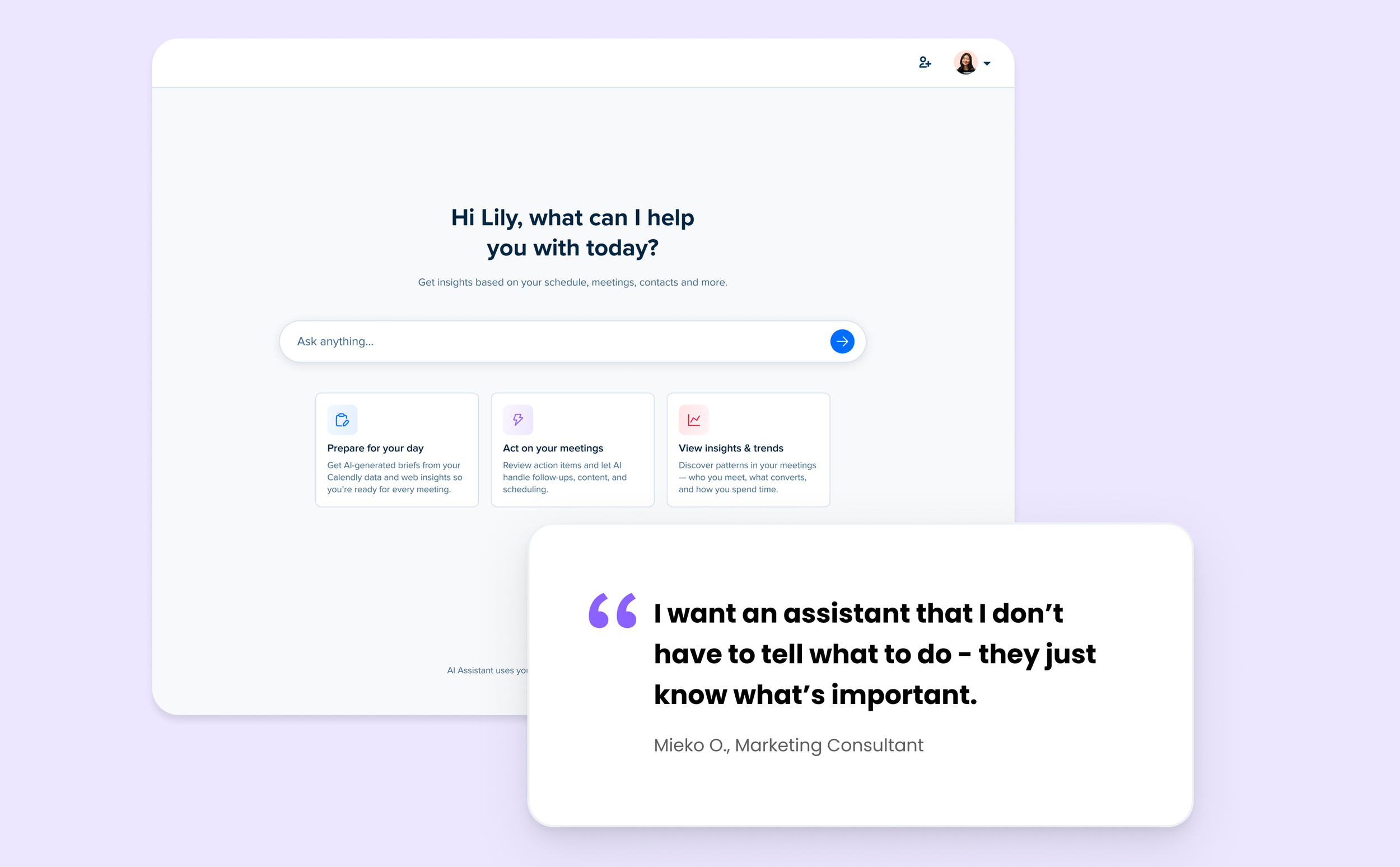
Solving the chat interaction tax problem & unifying AI design language
Users want to have insights where and when they needed them, not just the ability to chat with AI when they had a question.
RESAERCH
User Alignment & Intent
Designing for professionals whose reputation depends on precise context recall and professionalism, and timeliness. In high-touch service industries, client retention hinges on perceived personalization.
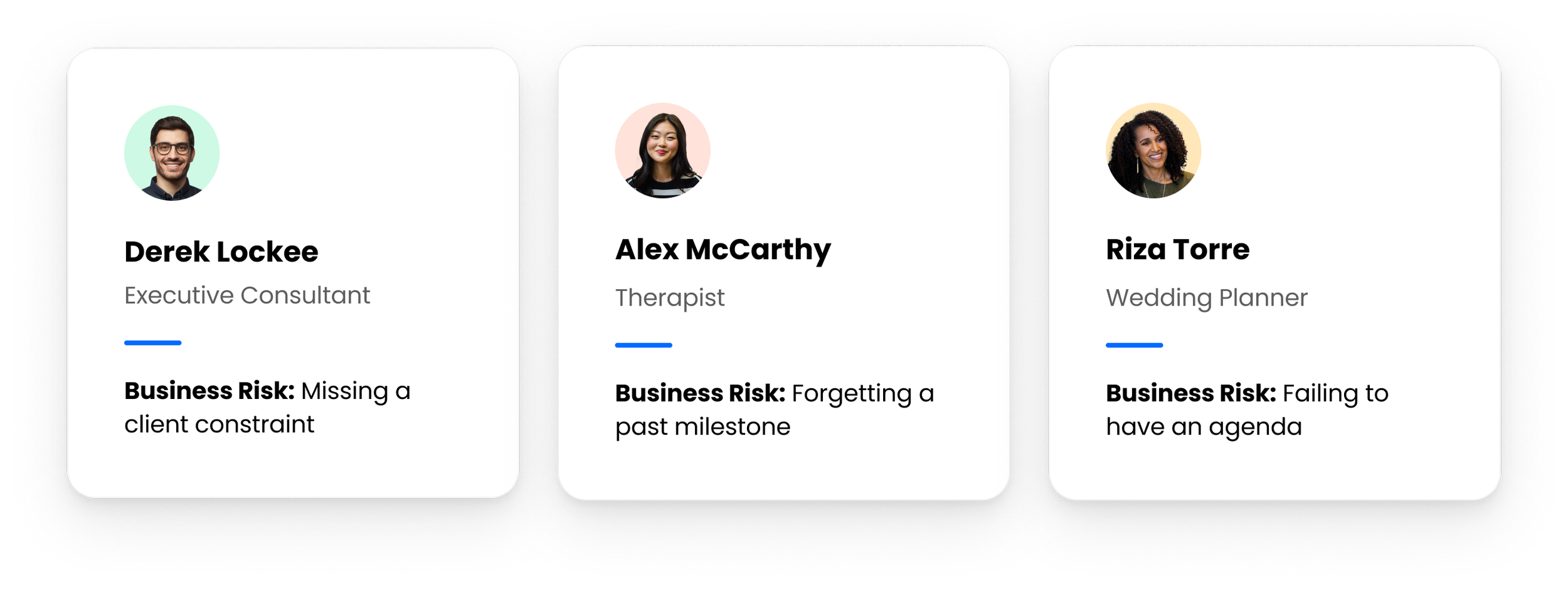
Top Use Cases for Contextual AI
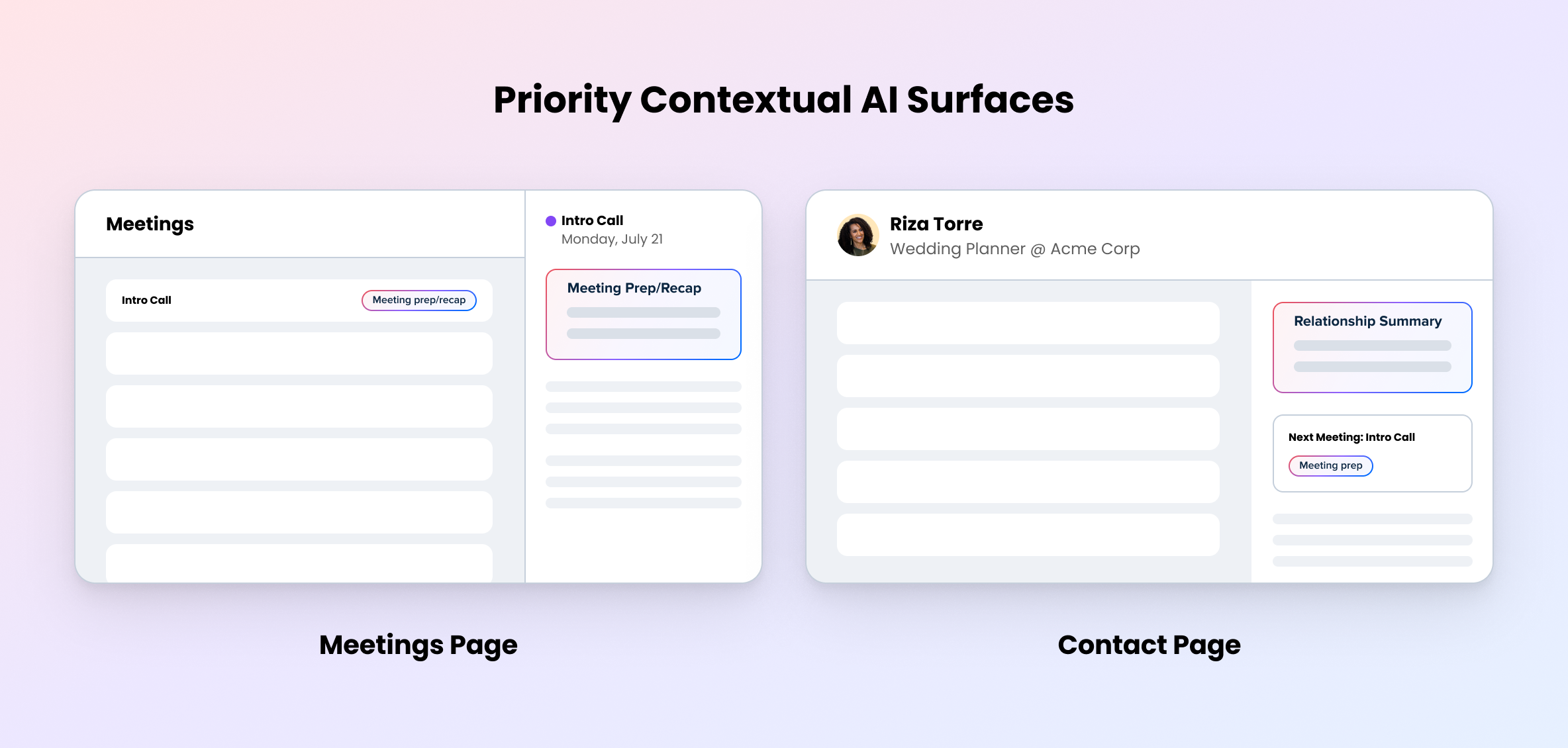
Embed intelligence exactly where users already execute tasks—proactively packaging:
Meeting prep
Meeting recap
Relationship histories
STRATEGY
Embedding intelligence exactly where users need it
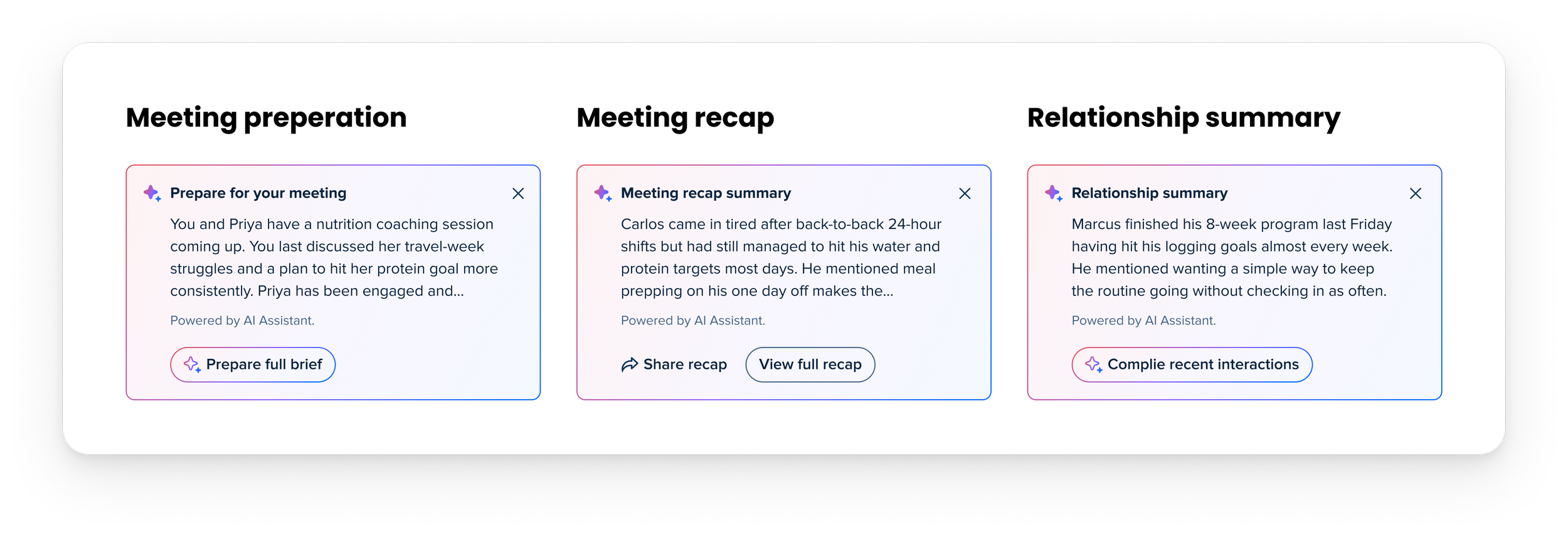
Using customer research and feedback, I mapped needs across the meeting lifecycle to focus the MVP on three areas: preparing for meetings, acting on follow-ups, and understanding patterns across the business, right where users need this - the contacts and meetings pages.
DESIGN
Crafting the AI component system
Evolved our basic blue-and-purple gradient asset into a high-contrast, three-color token by introducing a soft coral/red spectrum to offset our primary system blue color palette, immediately drawing the eye to intelligent zones without disrupting our established layout hierarchy.
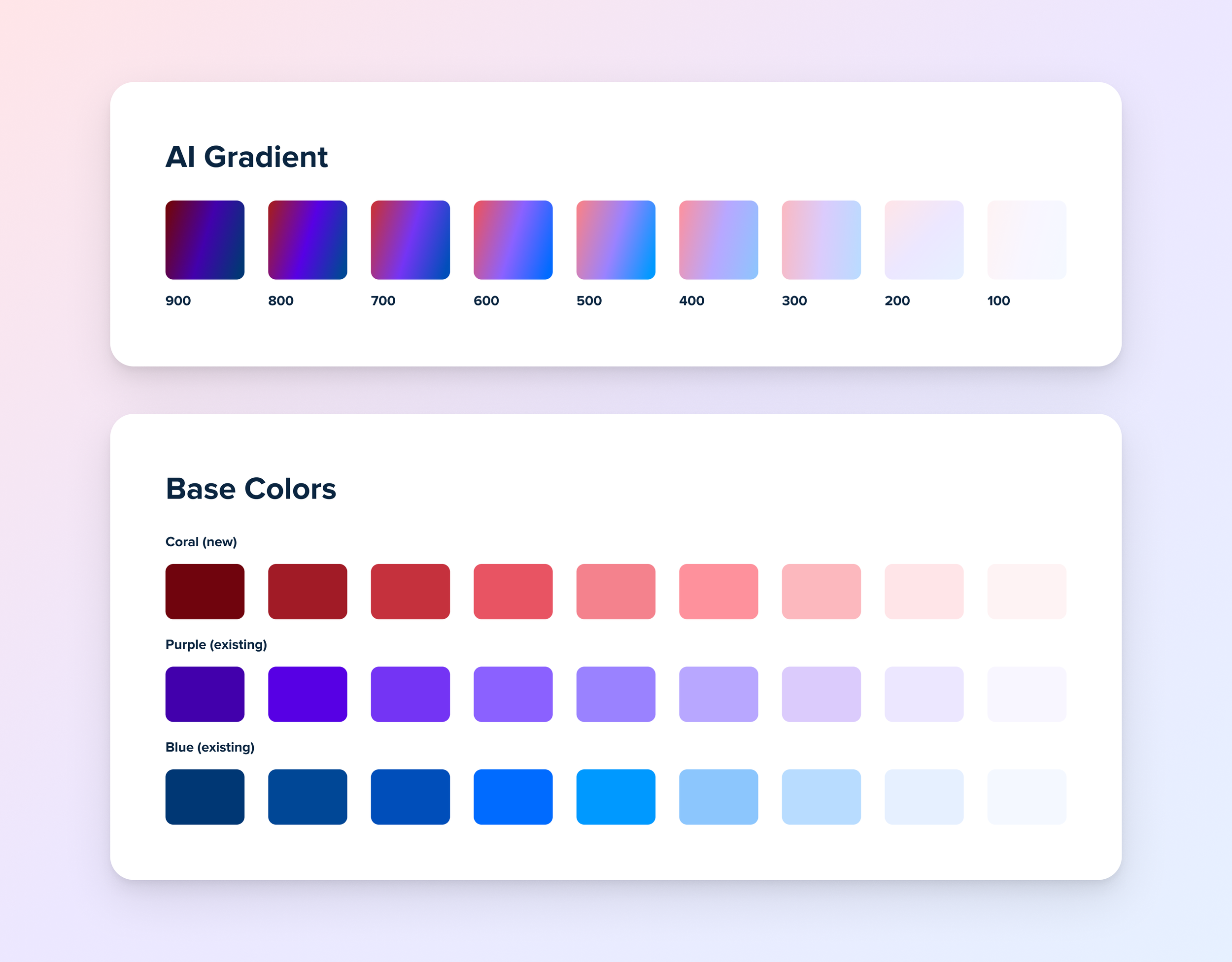
AI Component Foundations
Codified the upgraded gradient token exclusively for probabilistic, system-generated content zones, visually partitioning absolute static system data from AI insights.
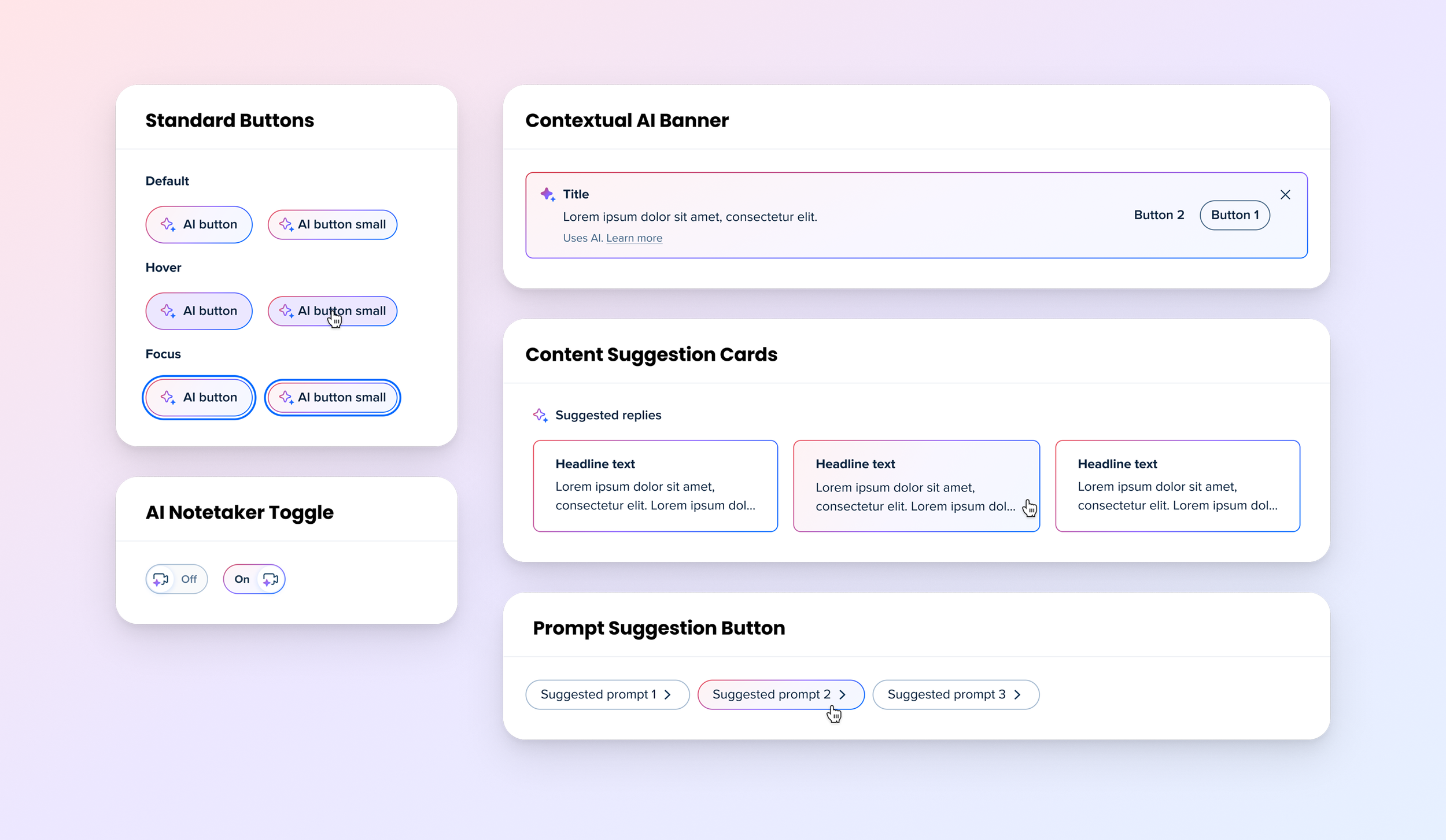
The Cognitive Signal
Codified the upgraded gradient token exclusively for probabilistic, system-generated content zones, visually partitioning absolute static system data from AI insights.
IMPLEMENTATION
Adding AI into core workflows
The POC turned our research into a working assistant that could reason across meetings, recaps, and contacts—helping users prepare, find follow-ups, and understand their relationships.
What we learned
Strongest use cases: Pre-meeting preparation and follow-up resonated most with users.
Clear differentiation: Users valued an assistant that already understood their Calendly context.
Trust was fragile: Accuracy and completeness strongly affected whether responses felt useful.
IMPACT
Building the AI Chat, then scaling the AI Platform
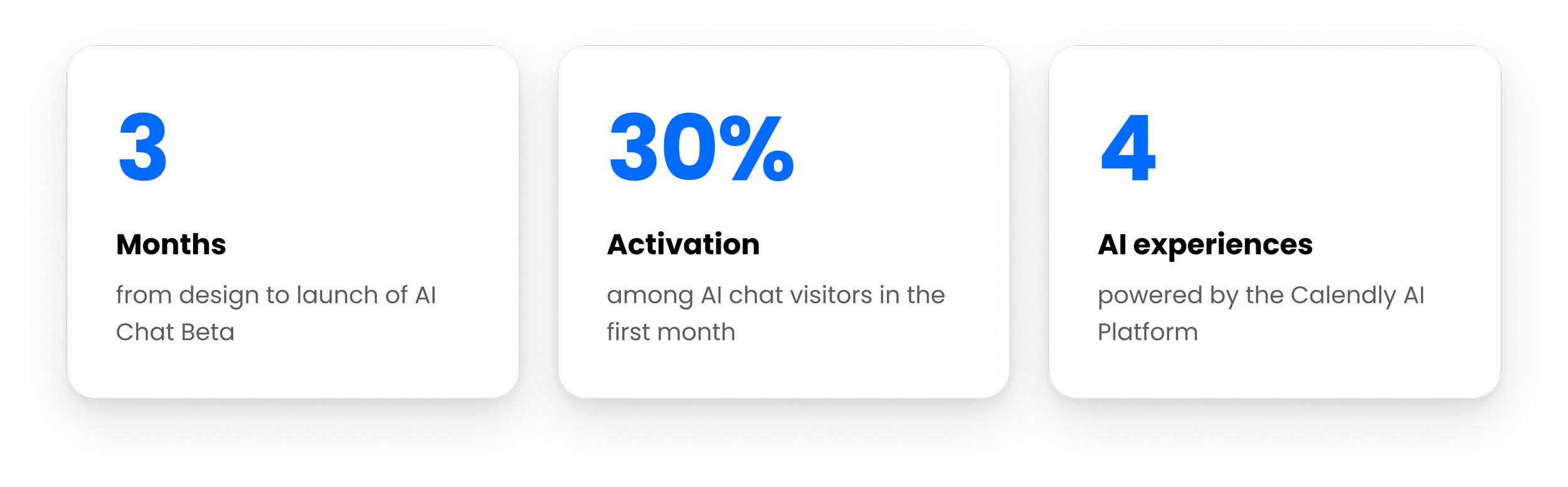
We launched AI Chat Beta in 3 months and reached 30% activation among visitors in the first month. The Horizontal AI Platform then expanded to power two in-app Calendly experiences, an external Gmail agent, and a Calendly MCP server integrated with Claude and ChatGPT.Launching AI Chat, then scaling the AI Platform
LEARNINGS
What I learned from this project
AI capabilities need to be visible: A flexible conversational interface still needs clear examples and starting points so users understand what the system can do.
Response behavior is part of the product experience: Clarification, fallbacks, data limitations, response boundaries, and tone all affected whether the assistant felt useful and trustworthy.
Not every AI interaction needs to start with a prompt: Chat worked well for open-ended questions, but many user needs were predictable enough to surface intelligence directly inside existing workflows.

NEXT CASE STUDY
Calendly: Core Scheduling
Simplifying Calendly's core scheduling workflows to improve feature discoverability, contributing to a 6% reduction in churn.